
Create videos in bulk with batch mode in HeyGen
Learn how to use Batch Mode in HeyGen to generate multiple single-scene avatar videos at once with different scripts, avatars and voices for scale.
 Create assistant message - MintlifyMintlify
 Meet Zapier Central's Chrome extensionZapier
 Supporting Kubernetes with Faster, Easier Test EnvironmentsPulumi
 4 Ways to Animate the Color of a Text Link on HoverCss Tricks
 Accelerating GPT-5.6 Sol UltrafastCerebras
 A prompt guide to get the most out of HeyGen's new Video AgentHeygen
 How to Create a Spokesperson on AI Video GeneratorHeygen
 How to Use AI Image to Video Generator for Free to Create Dynamic VideosHeygen
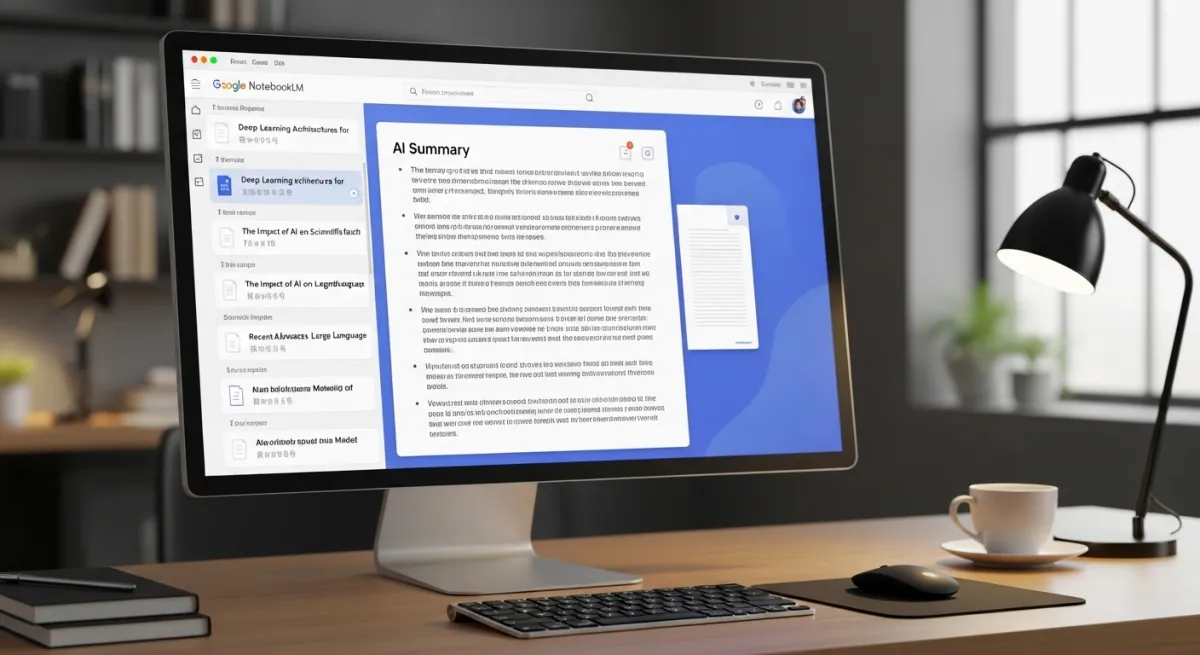 How to Use Google NotebookLM: The AI-Powered Research AssistantHeygen
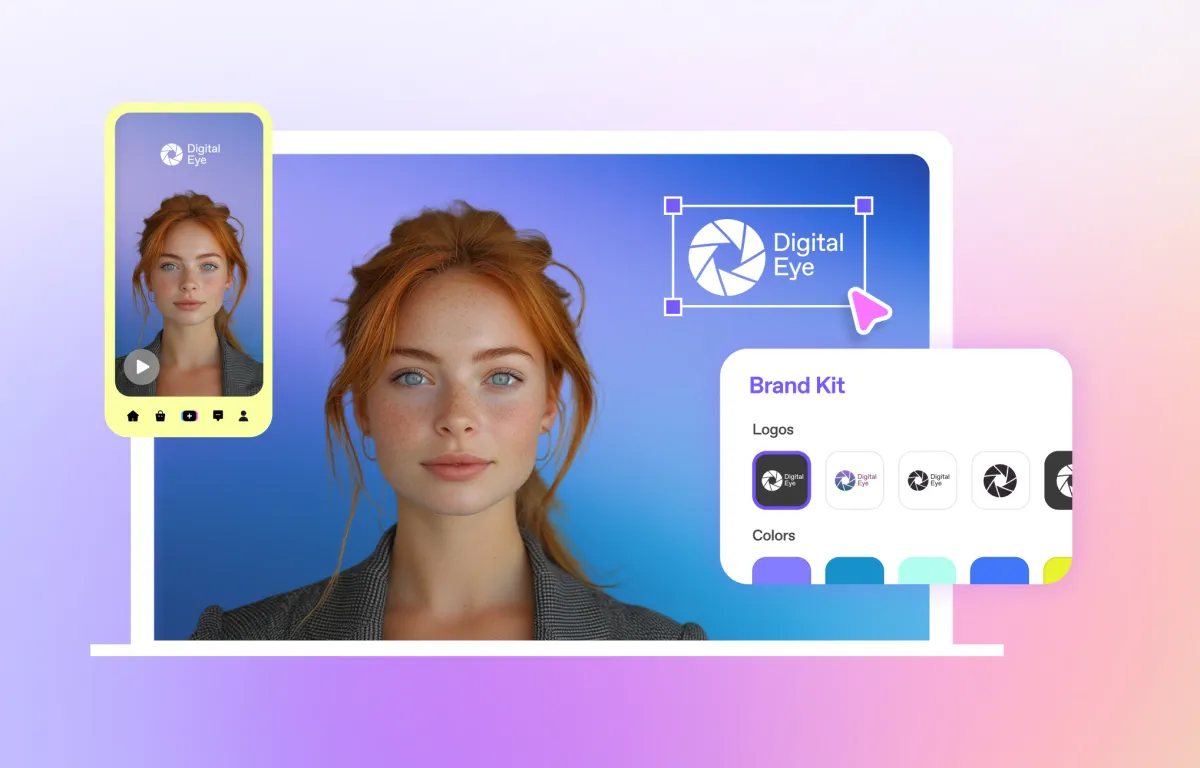 How to Make AI Videos Look Professional in 2025Heygen
 Multi Face Swap Video: How to Swap Multiple Faces in a Single Video with AIHeygen
 How To Create and Use Avatars in eLearningHeygen
 Create Avatar for Spoken Dialog: AI InnovationHeygen
 Build Your Own PluginVercel
