
Easily connect Google Pay with your preferred payment processor
Adding Google Pay as a payment method to your website or Android application provides a secure and fast checkout option for your users. To enable Google Pay, you will first need a Payment Service Provider (PSP). For the integration this means understanding how your payments processing stack works with Google Pay APIs.

 Manage your passes from Google Pay and Wallet Consoledevelopers.googleblog.com
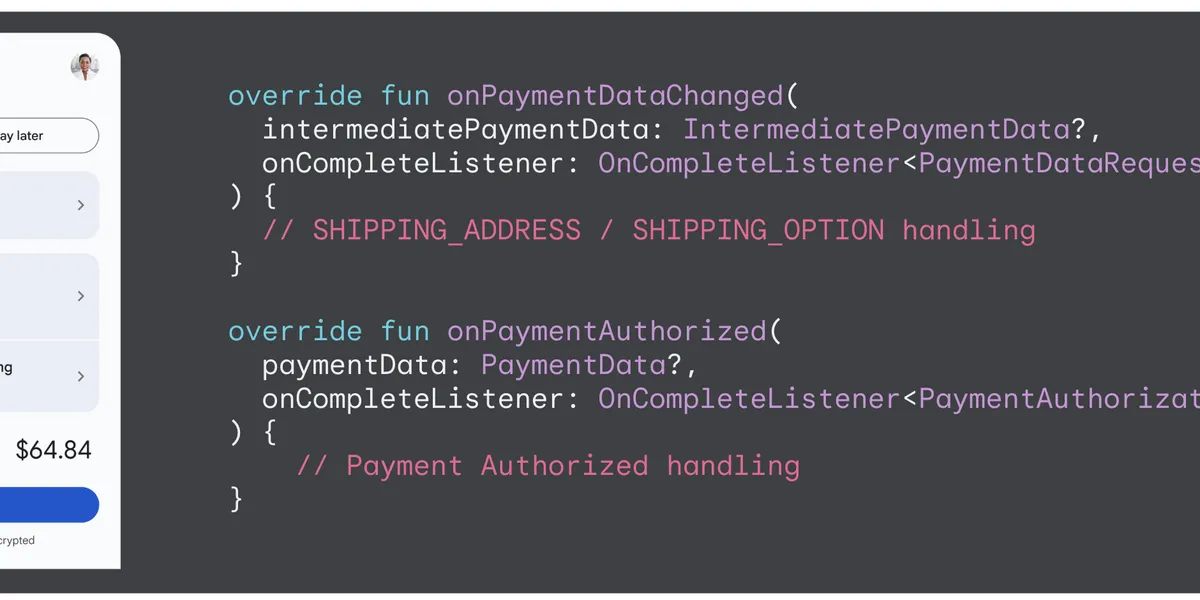 Enhancing Android Checkout with Dynamic Callbacks in Google Paydevelopers.googleblog.com
 Supercharge your integration workflow with the Google Pay & Wallet Developer MCP serverdevelopers.googleblog.com
 The latest updates to Google Paydevelopers.googleblog.com
 Google Summer of Code now open for student applicationsdevelopers.googleblog.com
Publishing Google Docs add-ons for domain-wide installationdevelopers.googleblog.com
Google Summer of Code now open for student applicationsdevelopers.googleblog.com
Publishing Google Docs add-ons for domain-wide installationdevelopers.googleblog.com
 No Code Transcription: Simplifying Workflows with Deepgram and Make.comDeepgram
 6 ways to use the Zapier Zoho CRM integrationZapier
 How to connect Google Sheets to NotionZapier
 Intel Unveils Next Generation Neuromorphic Computing ChipThenewstack
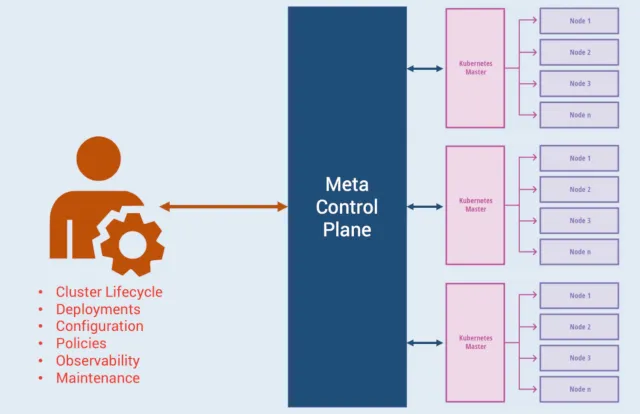 Google Anthos from the Eyes of a Kubernetes DeveloperThenewstack
 Connect Any Git or Mercurial Repo to Pulumi with Custom VCSPulumi
 Neo Integrations: MCP Servers and Cloud CLIsPulumi
 From zero to Go: launching on the Google homepage in 24 hours - The Go Programming LanguageGo
 modal containerModal
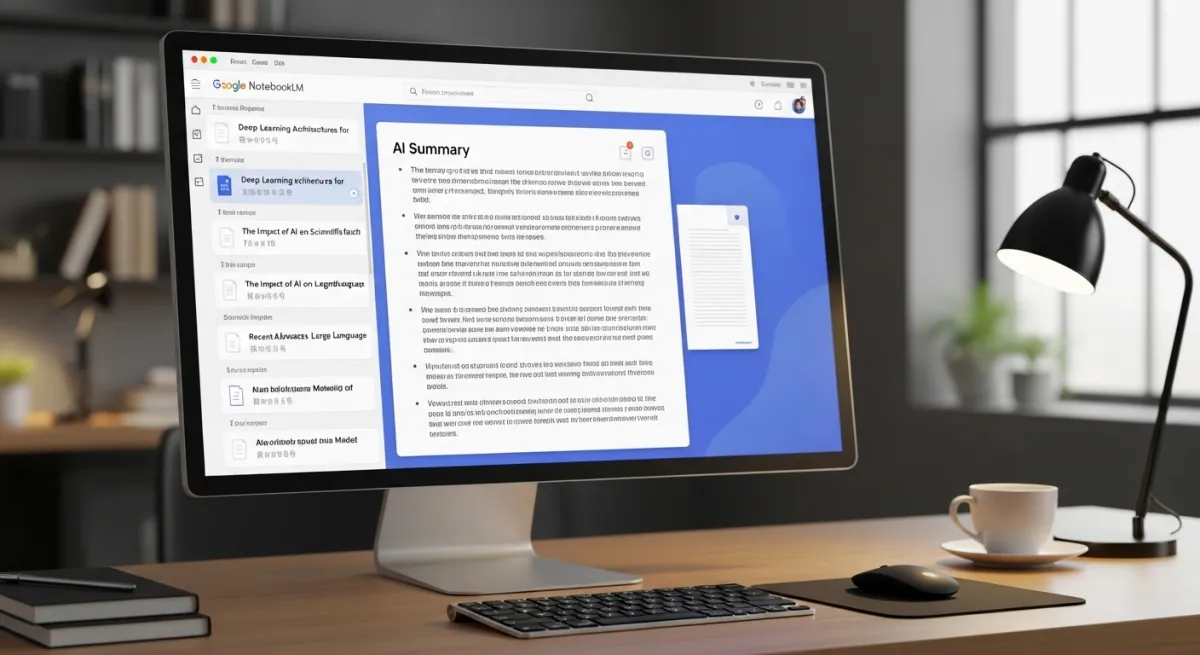 How to Use Google NotebookLM: The AI-Powered Research AssistantHeygen
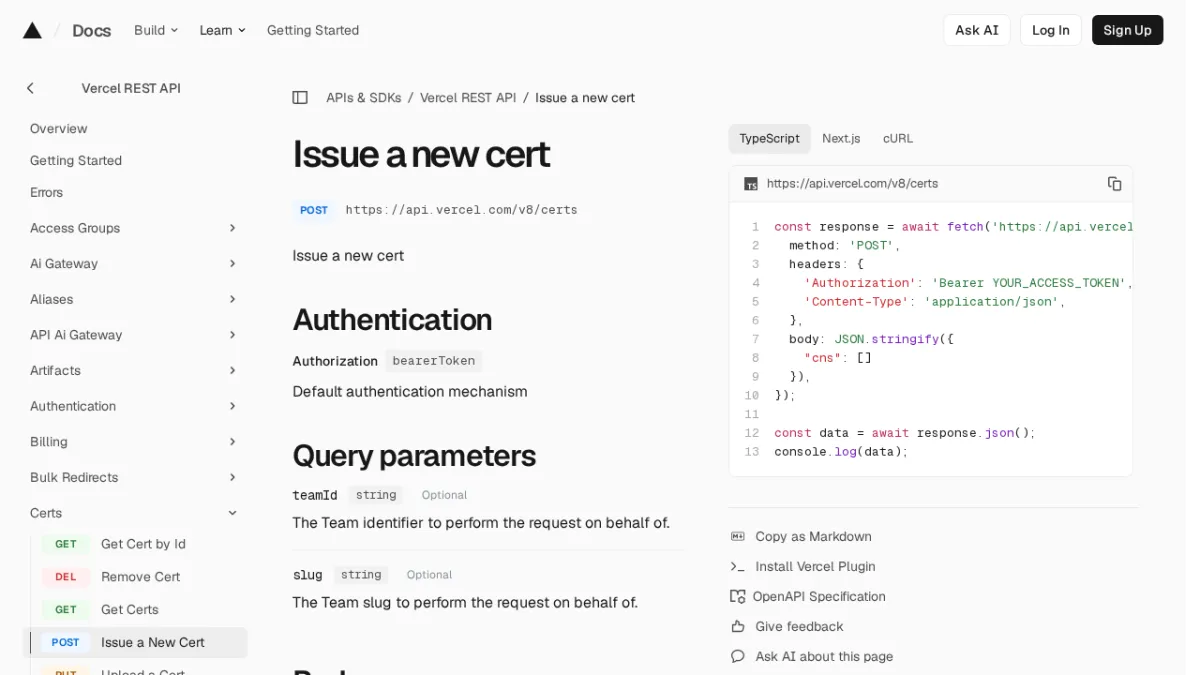 Issue a new certVercel
 How to connect Firebase to a Google SheetZapier
 Google Workspace automationZapier
 How to automatically add new Microsoft Dynamics contacts to MailchimpZapier
