
Connect Together AI to ElevenLabs Conversational AI Voice Agents
Ensure secret type is set to "Custom LLM" for proper authentication routing Model Not Responding Problem: No response from agent or model-related errors in logs Potential causes: Incorrect Model ID, unsupported model type, typos in configuration Solution: Double-check Model ID spelling and case sensitivity.
 Connect Palantir Foundry to ElevenLabs Conversational AI Voice AgentsElevenlabs
Connect Docusign to ElevenLabs Conversational AI Voice AgentsElevenlabs
Connect Pipedrive to ElevenLabs Conversational AI Voice AgentsElevenlabs
Connect Jotform to ElevenLabs Conversational AI Voice AgentsElevenlabs
Connect Groq Cloud to ElevenLabs Conversational AI Voice AgentsElevenlabs
Connect Genesys to ElevenLabs Conversational AI Voice AgentsElevenlabs
Connect Palantir Foundry to ElevenLabs Conversational AI Voice AgentsElevenlabs
Connect Docusign to ElevenLabs Conversational AI Voice AgentsElevenlabs
Connect Pipedrive to ElevenLabs Conversational AI Voice AgentsElevenlabs
Connect Jotform to ElevenLabs Conversational AI Voice AgentsElevenlabs
Connect Groq Cloud to ElevenLabs Conversational AI Voice AgentsElevenlabs
Connect Genesys to ElevenLabs Conversational AI Voice AgentsElevenlabs
 10 best AI observability tools for monitoring and evaluating agents in 2026Mintlify
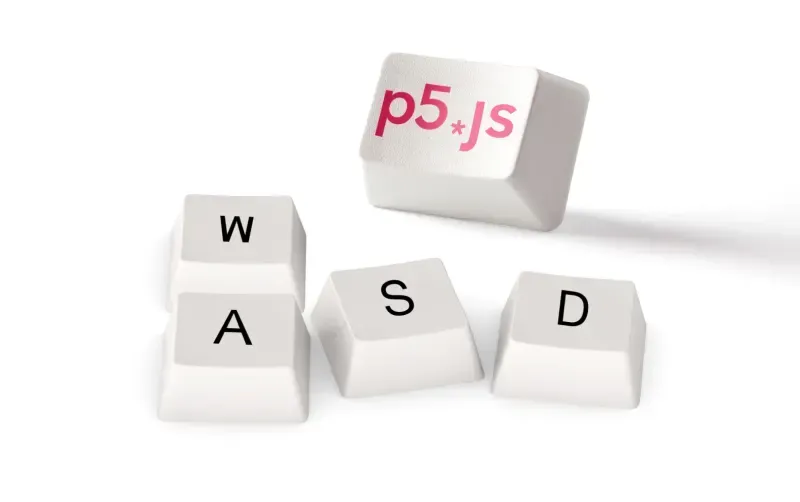 Playing With P5.js: Creating a Voice-Controlled Game - Deepgram Blog ⚡️Deepgram
 The Language of LGBTQ Inclusion and Allyship - Deepgram Blog ⚡️Deepgram
 The Best (and Worst?) of Voice AI TechnologyDeepgram
 No Code Transcription: Simplifying Workflows with Deepgram and Make.comDeepgram
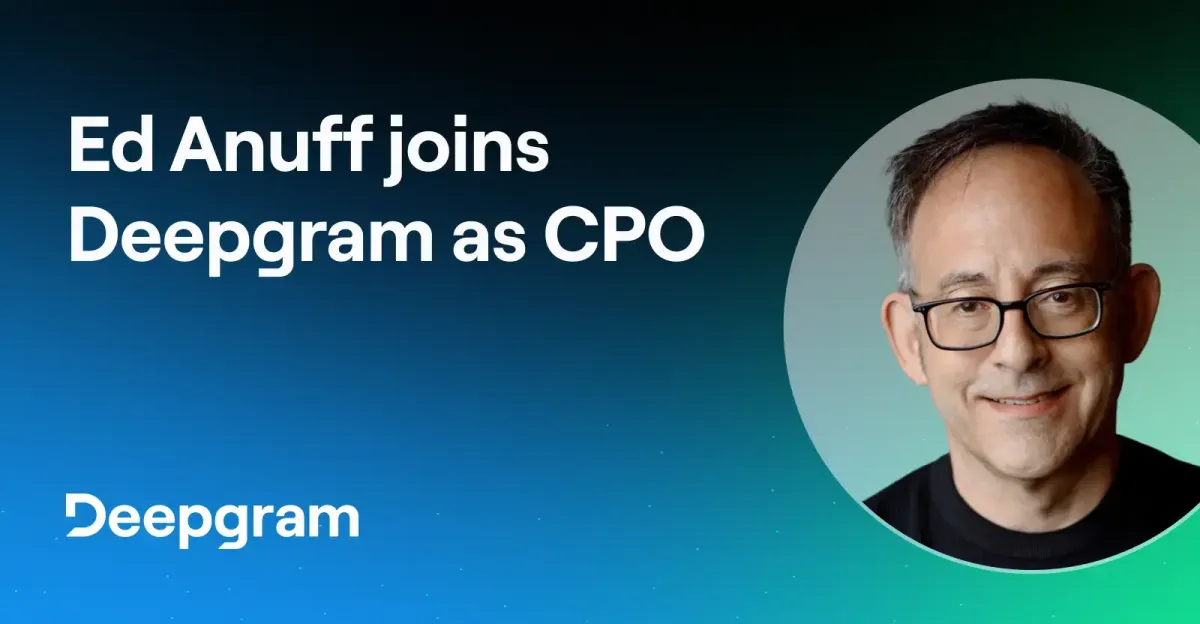 Q&A with Deepgram’s New CPO, Ed AnuffDeepgram
 New Spanish and Turkish Language Models and Updated General Models - Deepgram Blog ⚡️Deepgram
 6 ways to use the Zapier Zoho CRM integrationZapier
 How to connect Google Sheets to NotionZapier
 This Week in Programming: Who's Headed to KubeCon?Thenewstack
 Connect Any Git or Mercurial Repo to Pulumi with Custom VCSPulumi
 Pulumi Neo Now Supports AGENTS.mdPulumi
 Neo Integrations: MCP Servers and Cloud CLIsPulumi
 How to serve trillions of tokens for trillion-parameter coding agentsModal
