
Client-side storage
Modern web browsers support a number of ways for websites to store data on the user's computer — with the user's permission — then retrieve it when necessary. This lets you persist data for long-term storage, save sites or documents for offline use, retain user-specific settings for your site, and more. This article explains the very basics of how these work.
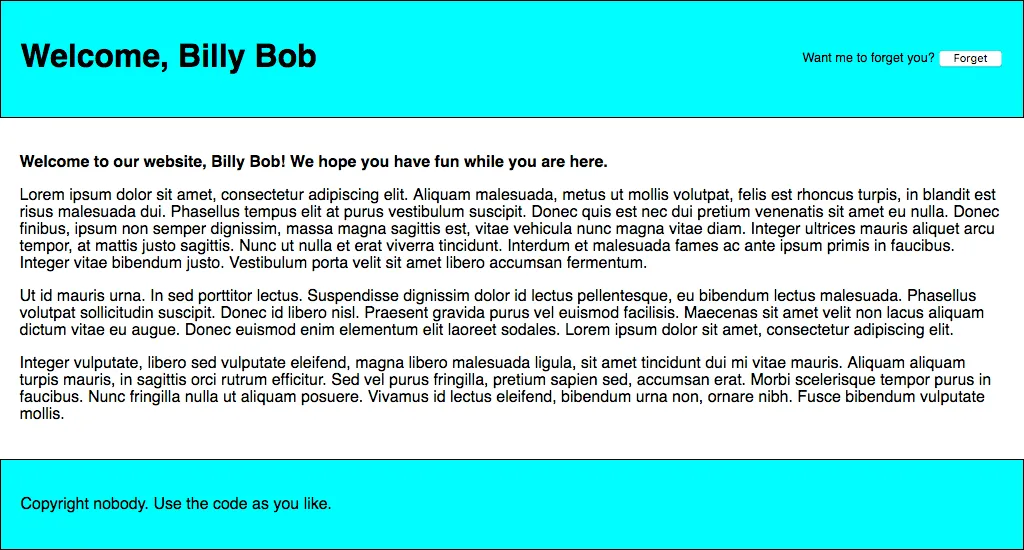
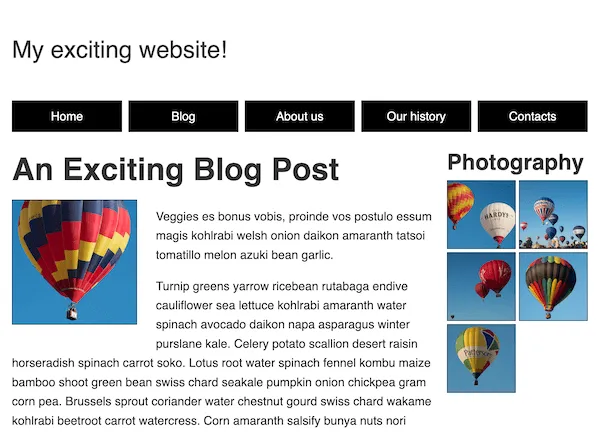 Challenge: A mobile-first layoutdeveloper.mozilla.org
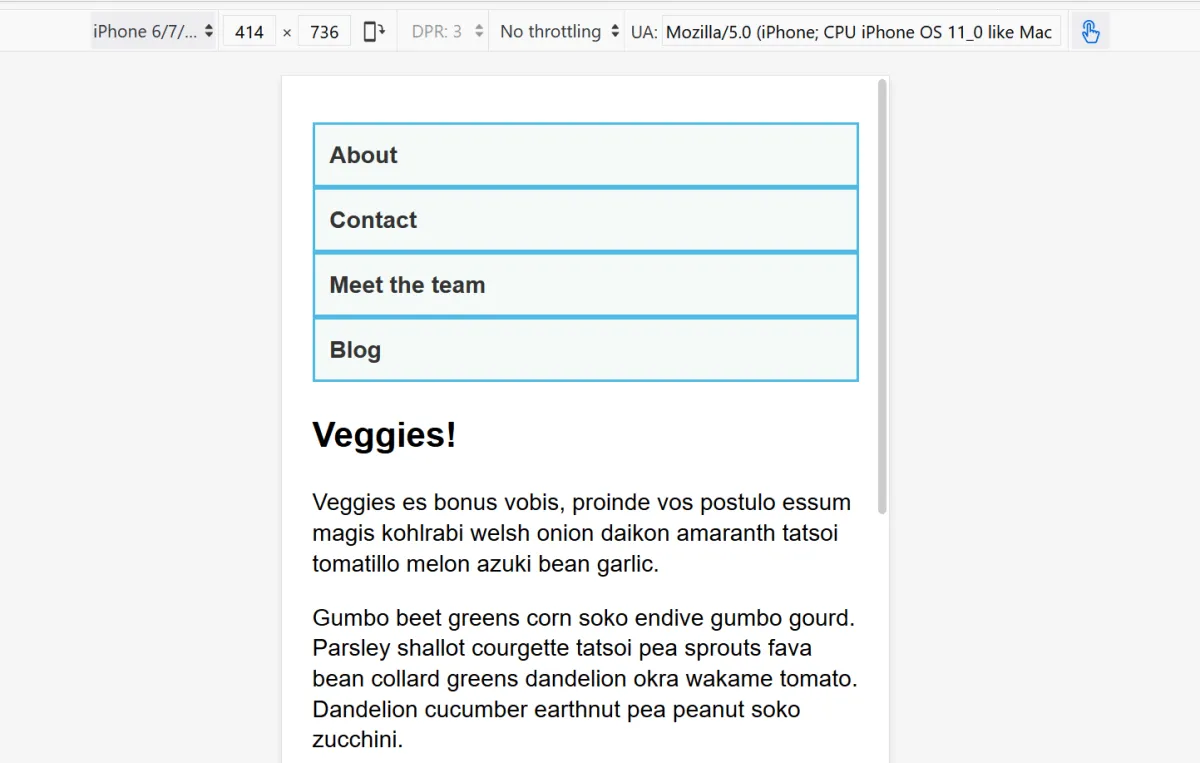 Media query fundamentalsdeveloper.mozilla.org
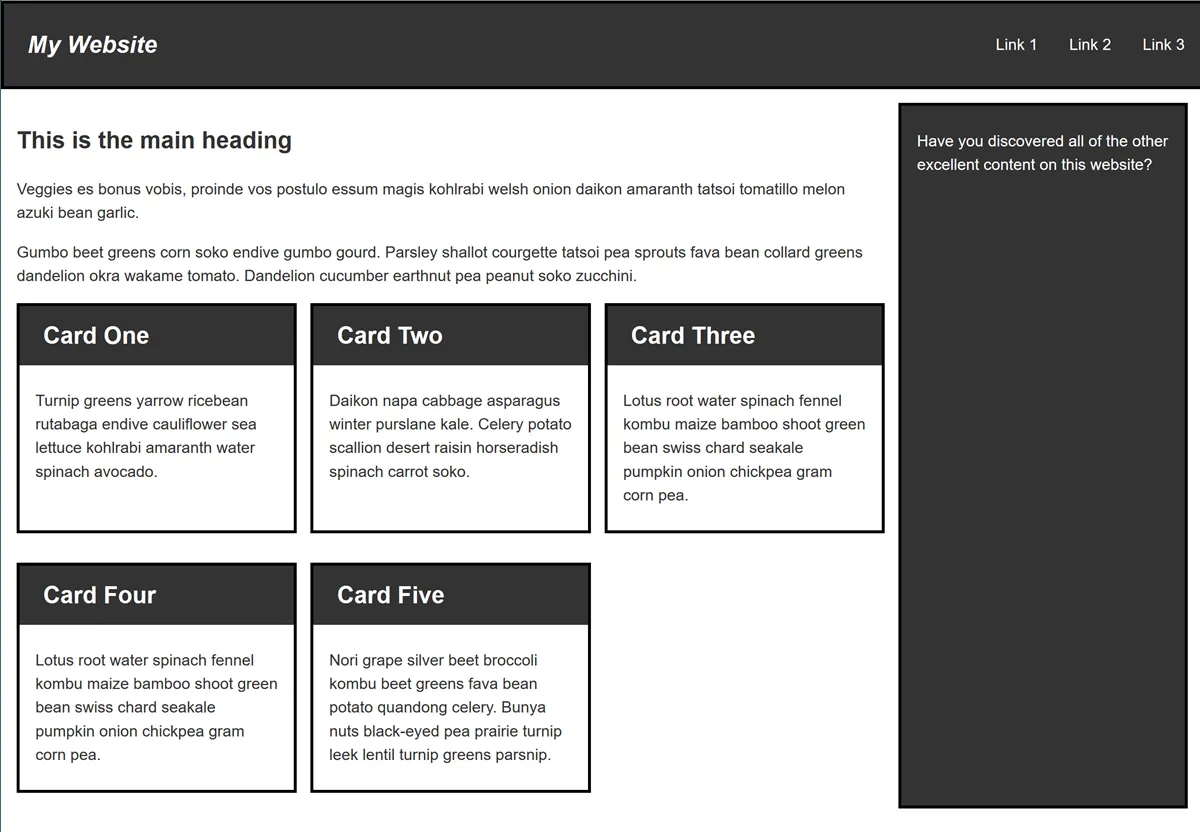 Test your skills: Responsive web design and media queriesdeveloper.mozilla.org
 Attribution and copyright licensingdeveloper.mozilla.org
 Web development tutorialsdeveloper.mozilla.org
 Web developer guidesdeveloper.mozilla.org
 How a marketing agency increased client conversions 35% with Zapier CanvasZapier
 Server-Side React RenderingCss Tricks
 Web3.Storage: Free Decentralized Storage on FilecoinThenewstack
 Announcing OpenAPI support for the Pulumi Cloud REST APIPulumi
 Neal.fun | CSS-TricksCss Tricks
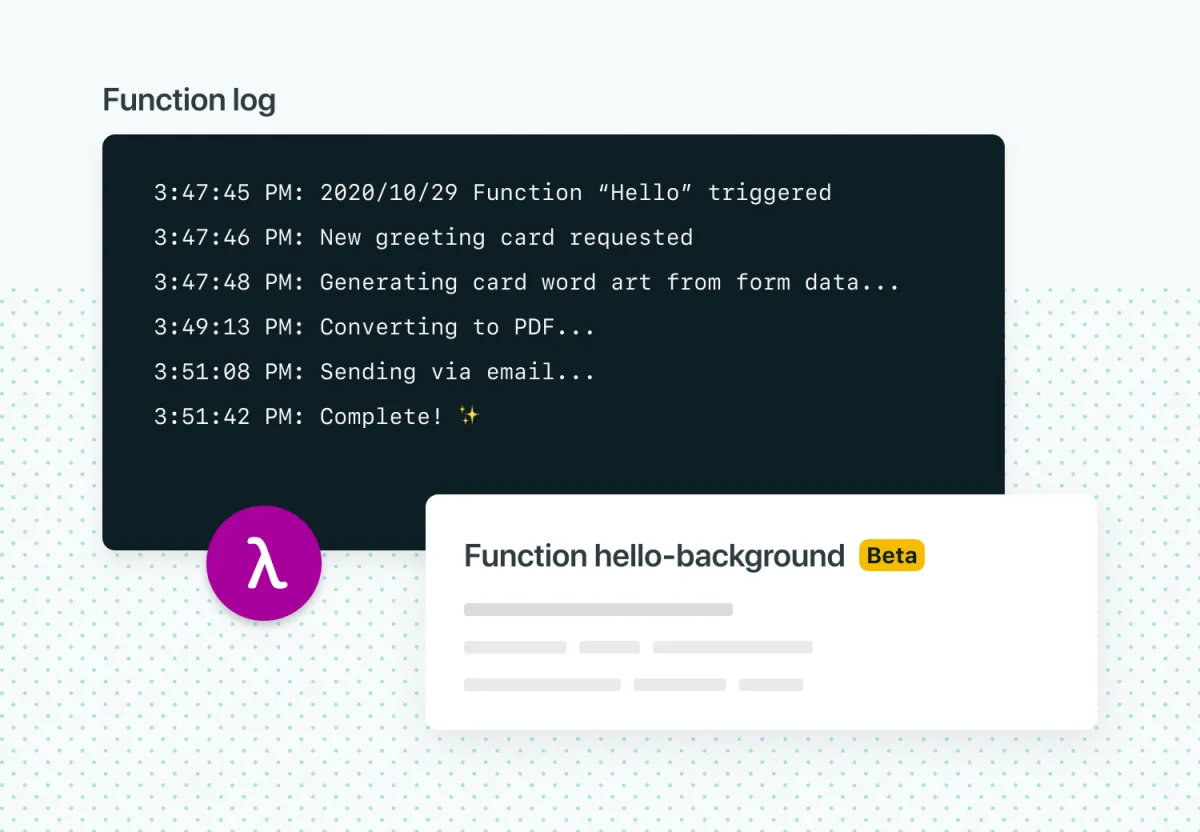 Netlify Background FunctionsCss Tricks
 Optimize Costs for Amazon S3 and Multi Cloud Object StorageDatadoghq
 True planetary-scale storage is here! Hello Johannesburg!Bunny
 Introducing bunny.net Perma-Cache - Permanent CDN CachingBunny
 Innovation at the edge: How Edge Storage makes content delivery really hopBunny
 Storage Structure - bunny.net DocumentationBunny
 Insurance Social Media Marketing: A Practical GuideHeygen
 Founder Mode: Dub's journey from side project to enterprise link attribution platformMintlify
 Generating Collapsable Navigation from Nuxt Content - Deepgram Blog ⚡️Deepgram
