
Django Tutorial Part 4: Django admin site
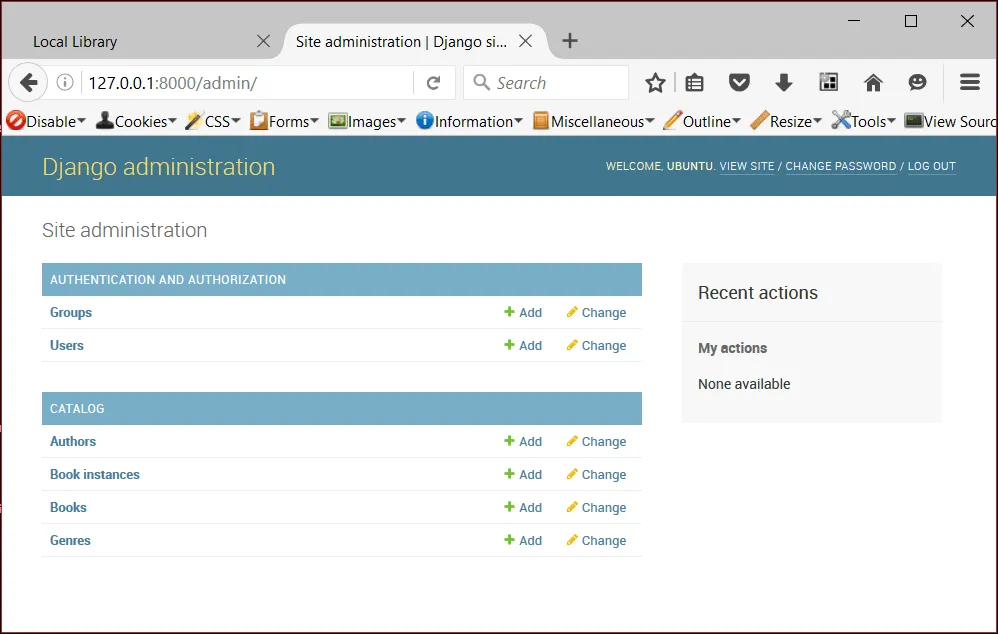
Now that we've created models for the LocalLibrary website, we'll use the Django Admin site to add some "real" book data. First we'll show you how to register the models with the admin site, then we'll show you how to log in and create some data. At the end of the article we will show some of the ways you can further improve the presentation of the Admin site.
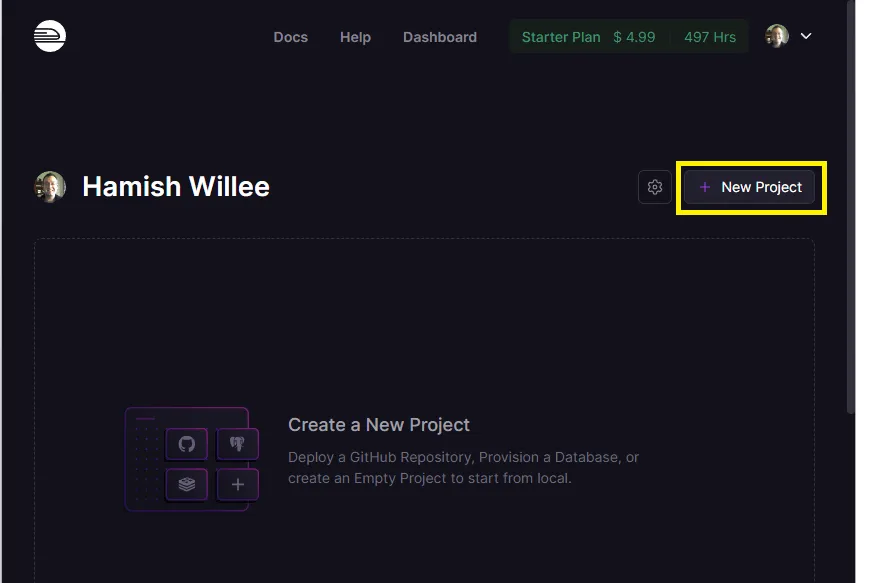 Express Tutorial Part 7: Deploying to productiondeveloper.mozilla.org
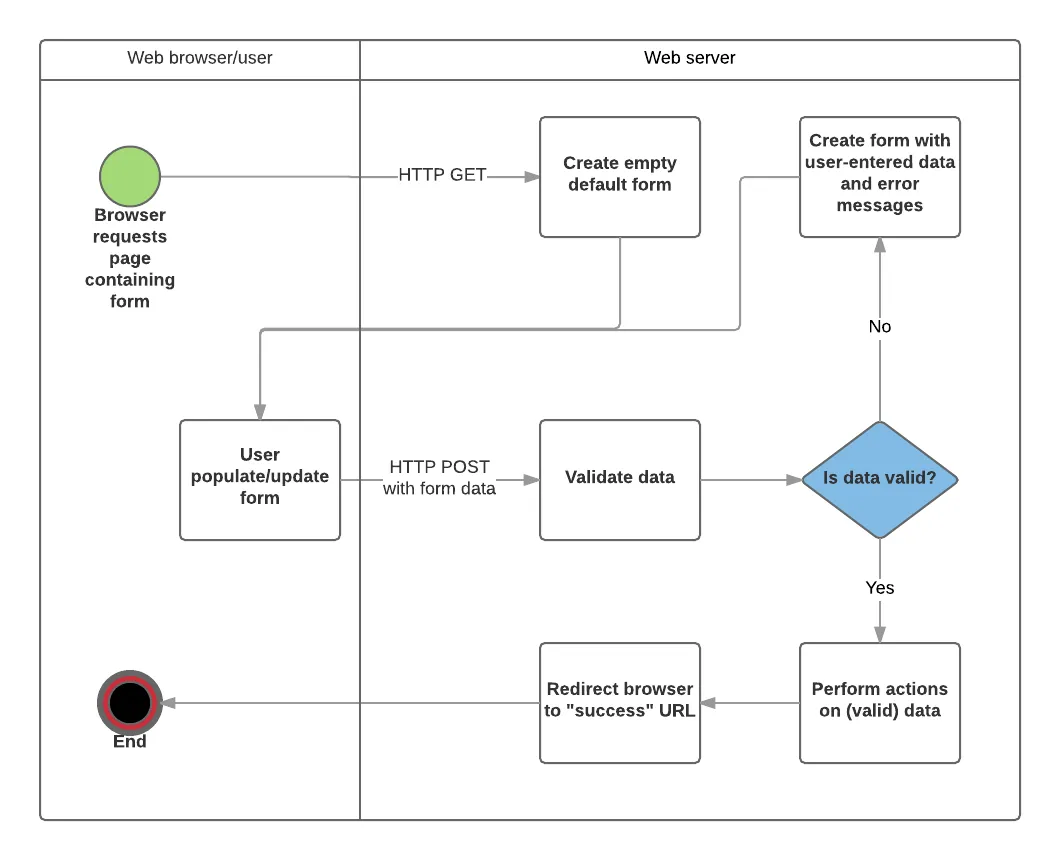 Express Tutorial Part 6: Working with formsdeveloper.mozilla.org
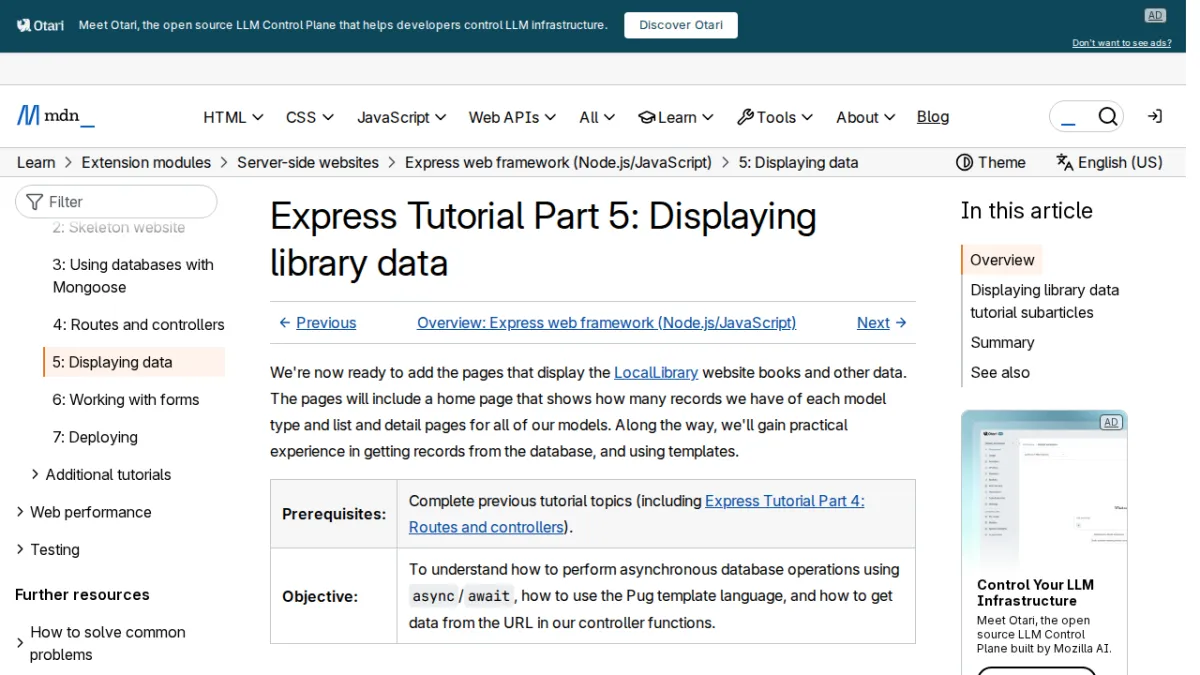 Express Tutorial Part 5: Displaying library datadeveloper.mozilla.org
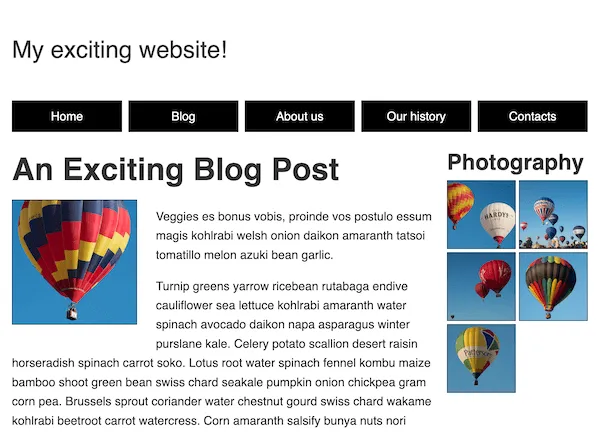 Challenge: A mobile-first layoutdeveloper.mozilla.org
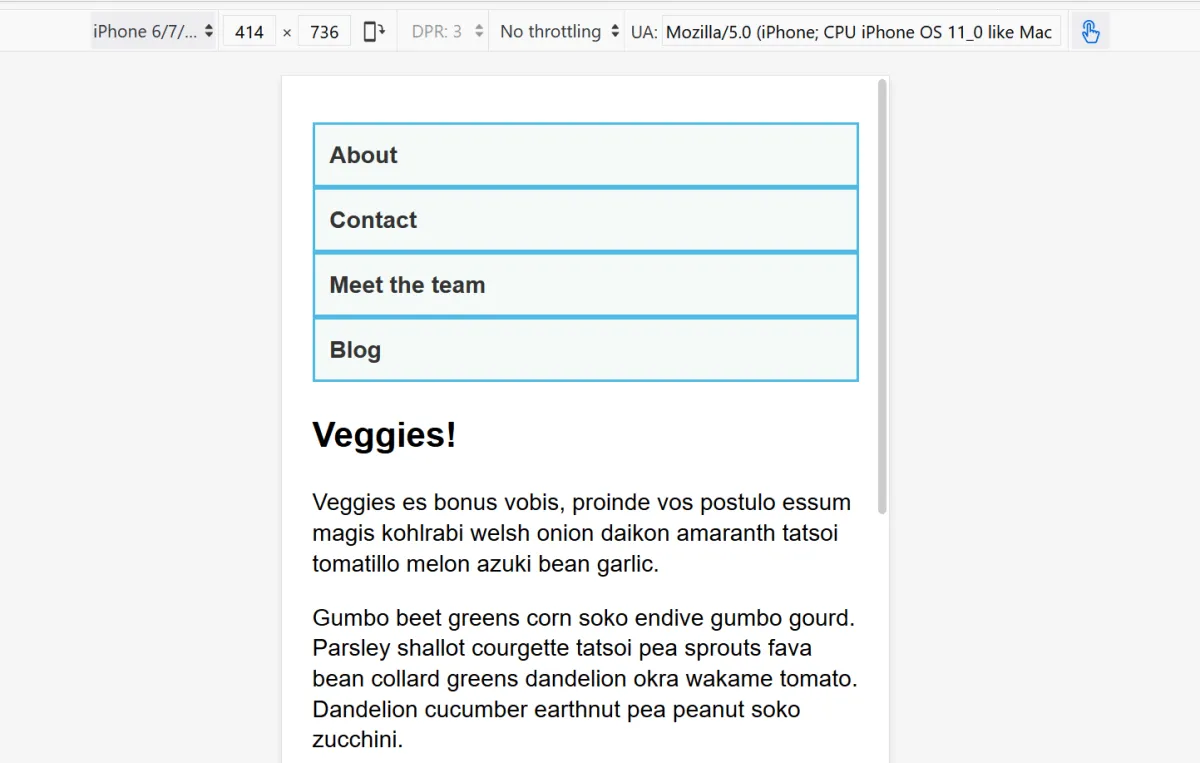 Media query fundamentalsdeveloper.mozilla.org
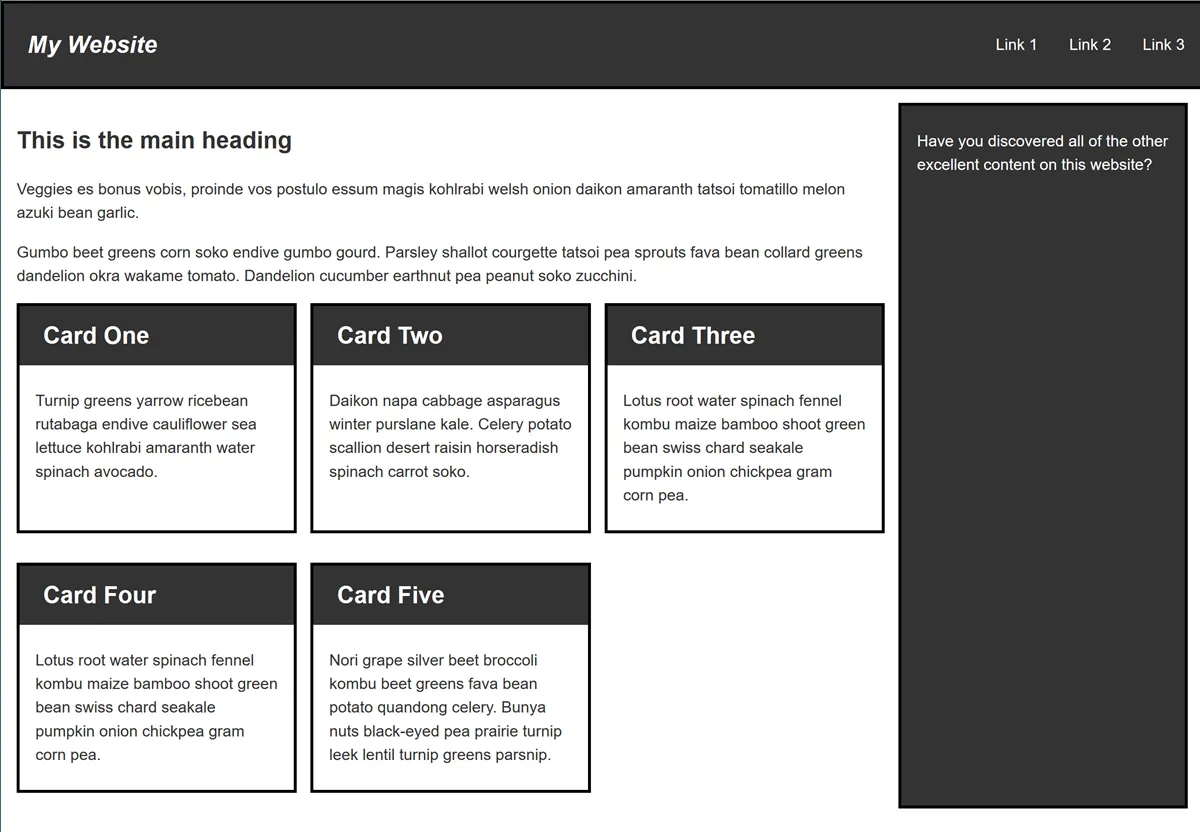 Test your skills: Responsive web design and media queriesdeveloper.mozilla.org
 Publish changes - MintlifyMintlify
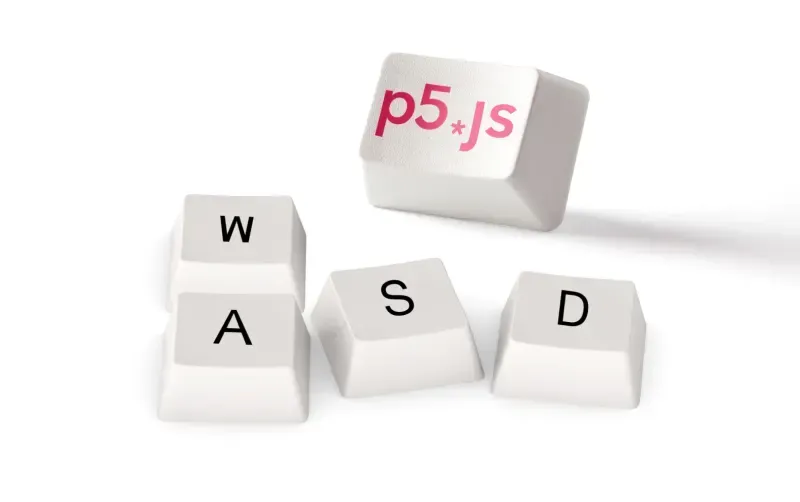 Playing With P5.js: Creating a Voice-Controlled Game - Deepgram Blog ⚡️Deepgram
 Calling Your Video Game With Your Phone: Part 1Deepgram
 An Introduction to Redis-ML. Part OneRedis
 New Policy as Code Capabilities with CrossGuardPulumi
 Module version numbering - The Go Programming LanguageGo
 Pseudo-Randomly Adding Illustrations with CSS | CSS-TricksCss Tricks
 Best Docusaurus Alternatives in 2026Mintlify
 Get assistant conversations - MintlifyMintlify
 Preview locally - MintlifyMintlify
 How to Use Voice to Control Music with Python and Deepgram - Deepgram Blog ⚡️Deepgram
 What is Global Memory?Modal
 How We Created a Static Site That Generates Tartan Patterns in SVGCss Tricks
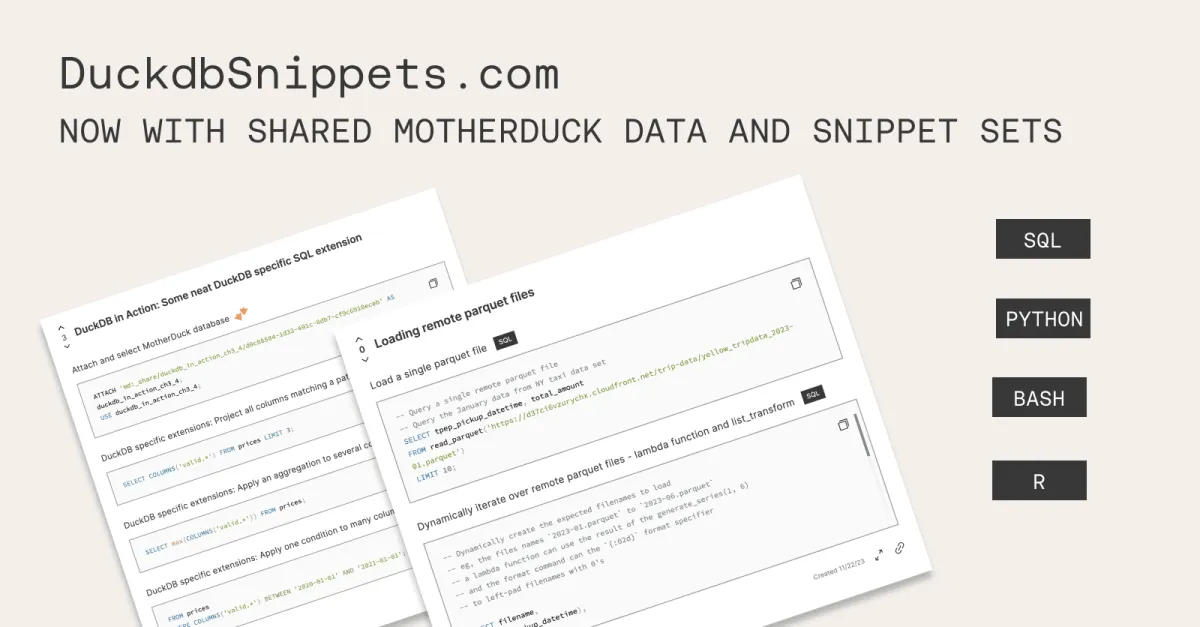 Announcing: DuckDB code snippet sets with MotherDuck SharingMotherduck
