
CSV Export
To export the data from a table to a CSV file, use the COPY statement: COPY tbl TO 'output.csv' (HEADER, DELIMITER ','); The result of queries can also be directly exported to a CSV file: COPY (SELECT * FROM tbl) TO 'output.csv' (HEADER, DELIMITER ','); For additional options, see the COPY statement documentation.
 CSV Importduckdb.org
Lambda Functionsduckdb.org
Lance Extensionduckdb.org
Vortex Extensionduckdb.org
JSON Overviewduckdb.org
LIMIT and OFFSET Clausesduckdb.org
CSV Importduckdb.org
Lambda Functionsduckdb.org
Lance Extensionduckdb.org
Vortex Extensionduckdb.org
JSON Overviewduckdb.org
LIMIT and OFFSET Clausesduckdb.org
 Export analytics to CSV - MintlifyMintlify
 ArchitectureOpentelemetry
 Static export - MintlifyMintlify
 Mintlify REST API introduction - MintlifyMintlify
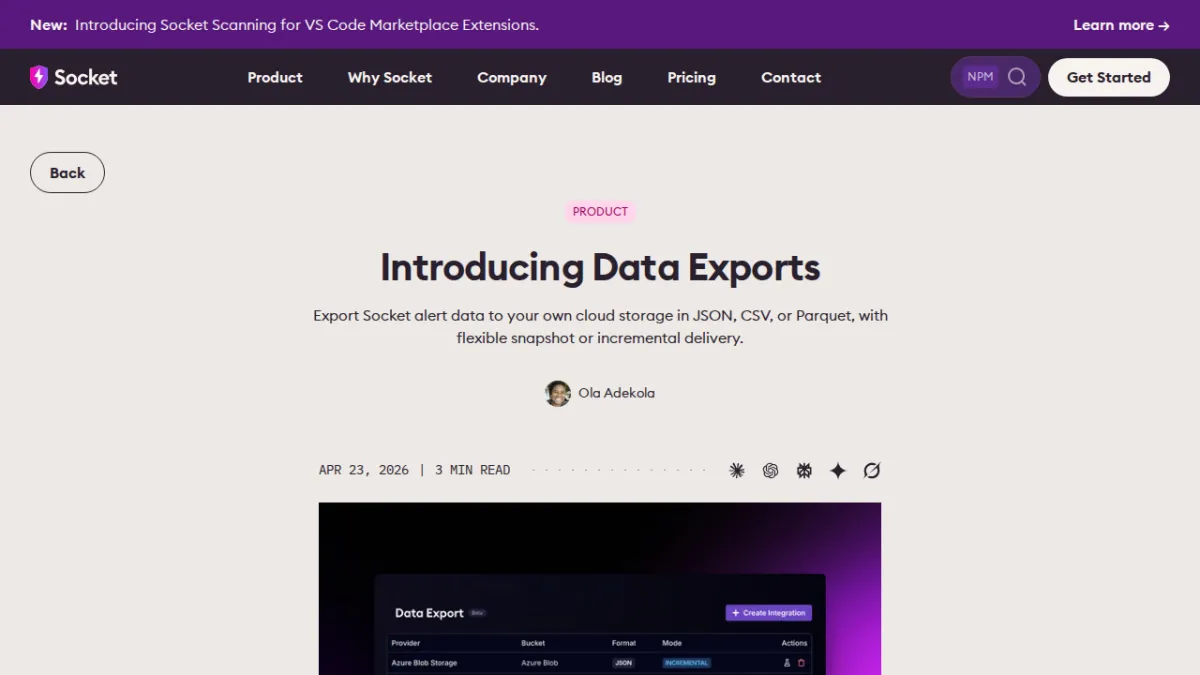 Introducing Data ExportsSocket
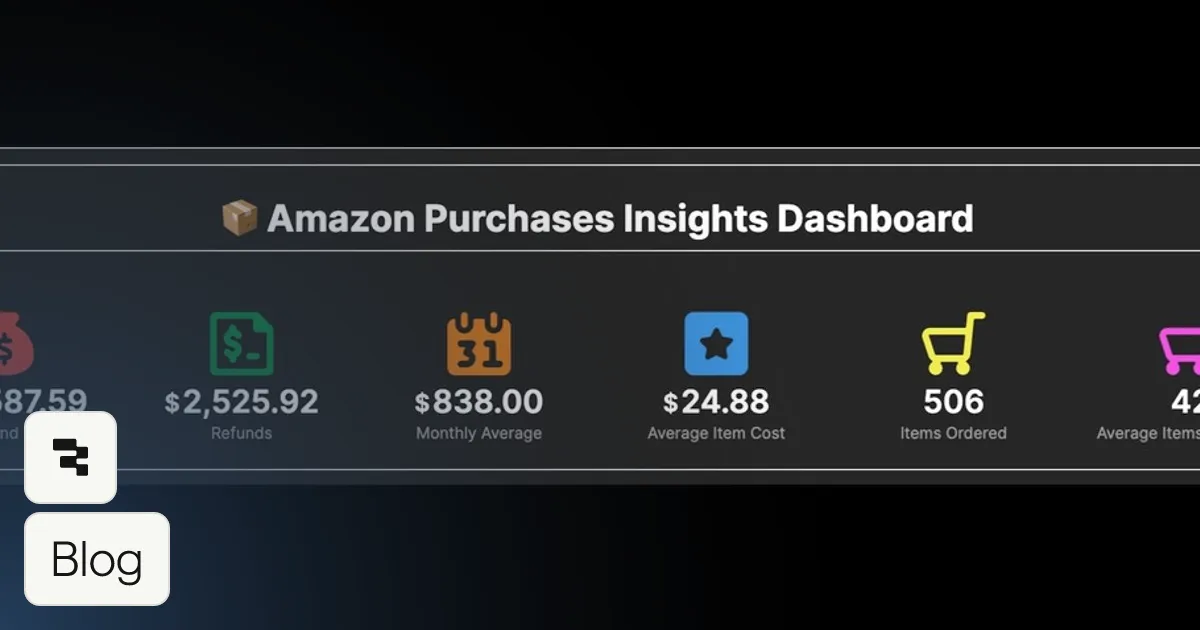 Visualize CSV Data and Build a Dashboard to Track Your Amazon SpendingRetool
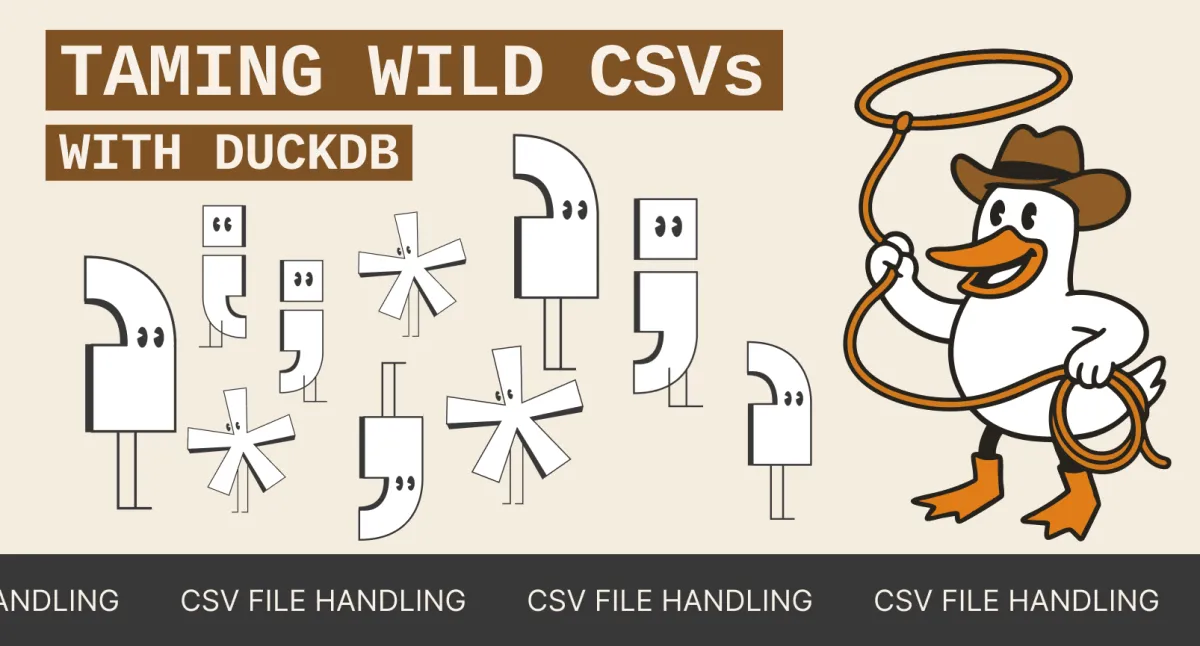 Taming Wild CSVs: Techniques for Data EngineersMotherduck
 Markdown export - MintlifyMintlify
 How to Make AI Videos in 2026: Step-by-Step GuideHeygen
 15 Best Colossyan Alternatives for 2026: Timed, Priced, RankedHeygen
 Simple way to convert CSV and Parquet filesMotherduck
 Swimming in Google Sheets with MotherDuckMotherduck
 Observability for Notion’s Redis QueueNotion So
 How to Make a Virtual Tour for Real Estate (2026)Heygen
