
CSV Import
To read data from a CSV file, use the read_csv function in the FROM clause of a query: SELECT * FROM read_csv('input.csv'); Alternatively, you can omit the read_csv function and let DuckDB infer it from the extension: SELECT * FROM 'input.csv'; To create a new table using the result from a query, use CREATE TABLE ... AS SELECT statement: CREATE TABLE new_tbl AS SELECT * FROM read_csv('input.csv'); We can use DuckDB'…
 CSV Importduckdb.org
Lambda Functionsduckdb.org
Lance Extensionduckdb.org
Vortex Extensionduckdb.org
JSON Overviewduckdb.org
LIMIT and OFFSET Clausesduckdb.org
CSV Importduckdb.org
Lambda Functionsduckdb.org
Lance Extensionduckdb.org
Vortex Extensionduckdb.org
JSON Overviewduckdb.org
LIMIT and OFFSET Clausesduckdb.org
 NO_EXTERNAL_CSS_AT_IMPORTSVercel
 Export analytics to CSV - MintlifyMintlify
 Exploring StackOverflow with DuckDB on MotherDuck (Part 1)Motherduck
 Cleaning up import paths in JS/TS packagesSocket
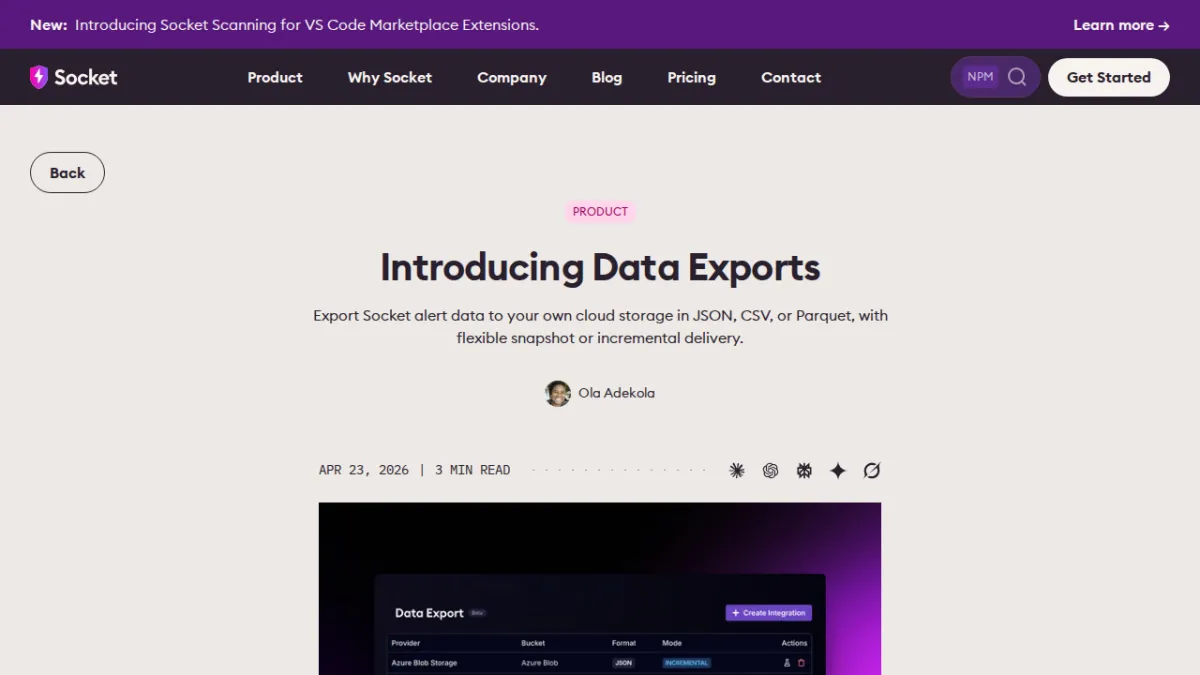 Introducing Data ExportsSocket
 Migrate CloudFormation to Pulumi with Discovered StacksPulumi
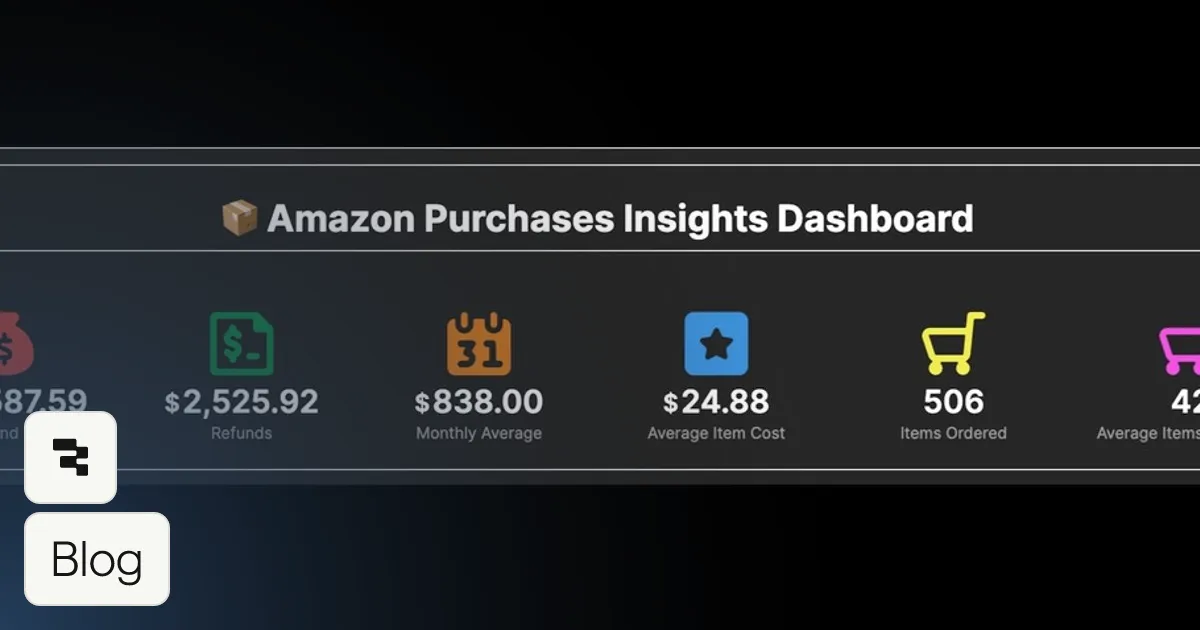 Visualize CSV Data and Build a Dashboard to Track Your Amazon SpendingRetool
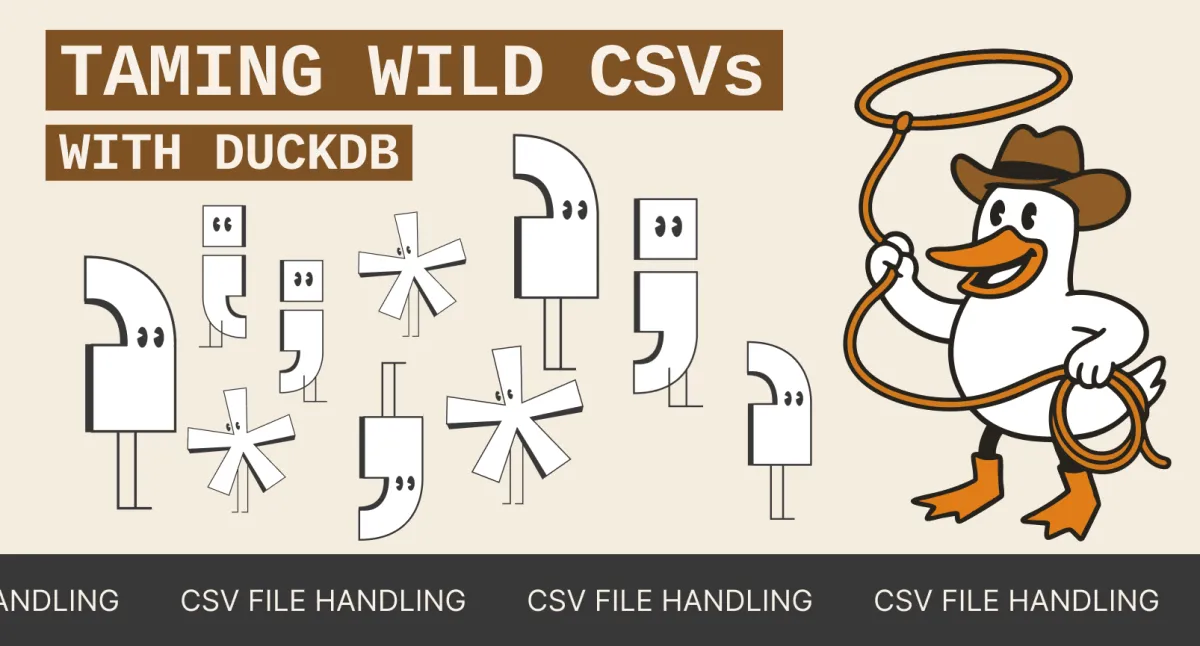 Taming Wild CSVs: Techniques for Data EngineersMotherduck
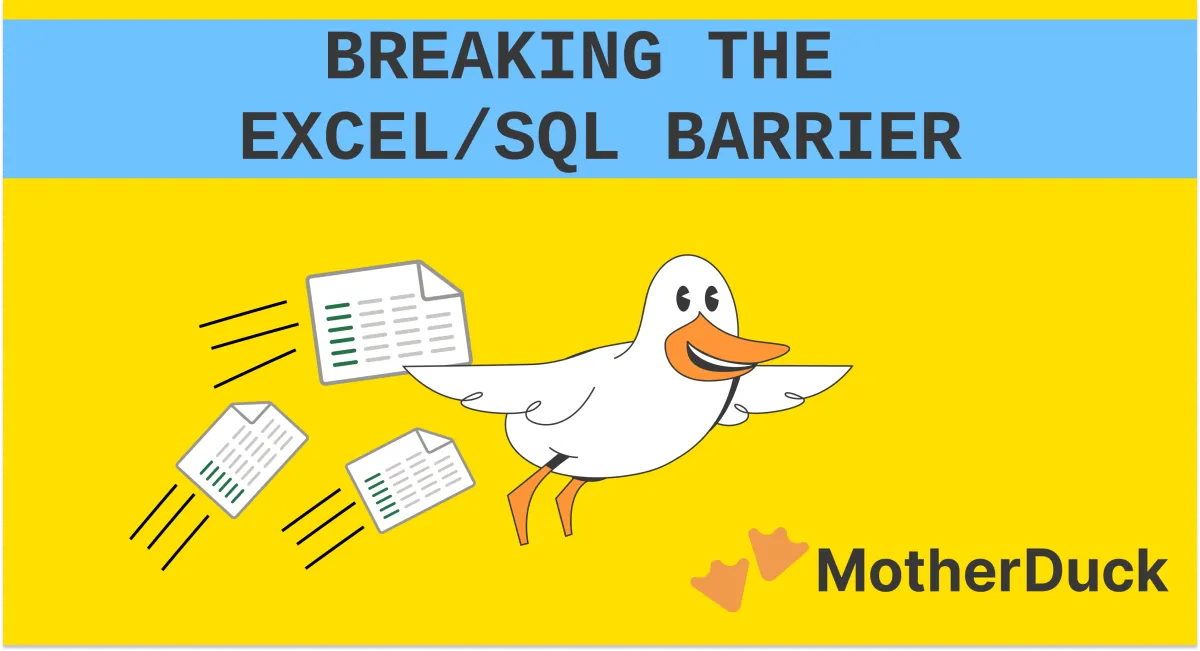 DuckDB Excel Extension: How to Read & Import XLSX FilesMotherduck
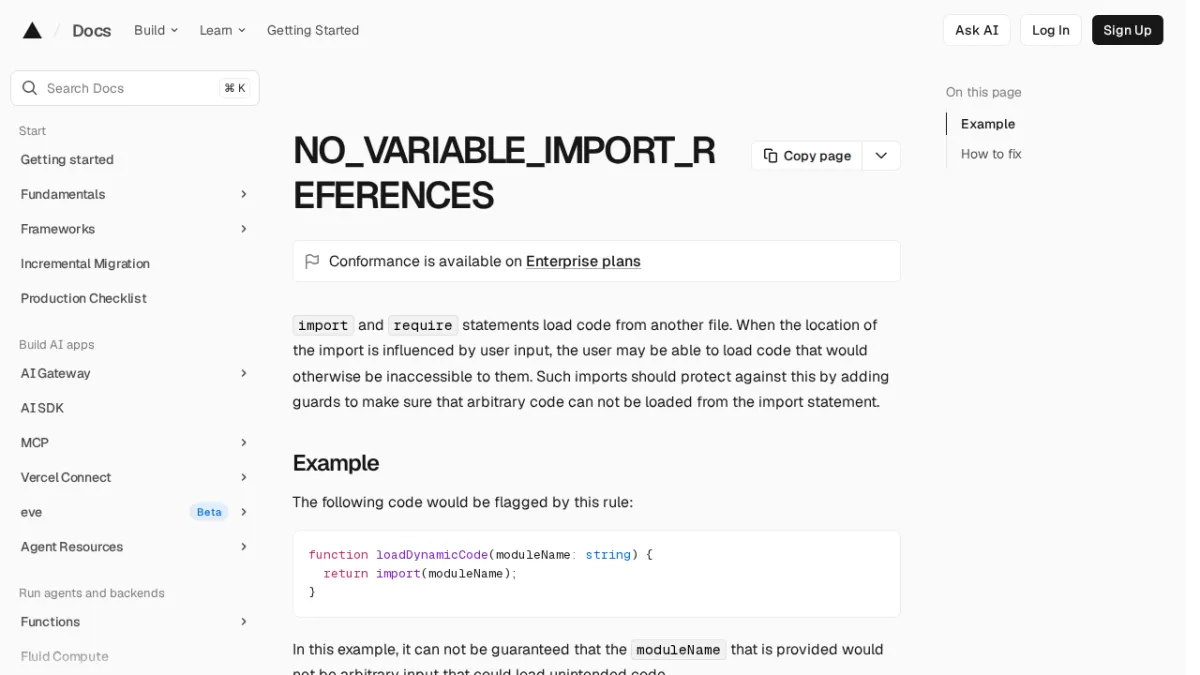 NO_VARIABLE_IMPORT_REFERENCESVercel
 Pulumi Release Notes: Pulumi Import Improvements, RetainOnDelete as a resource option, and more!Pulumi
 Simple way to convert CSV and Parquet filesMotherduck
 Swimming in Google Sheets with MotherDuckMotherduck
 Observability for Notion’s Redis QueueNotion So
