
Export to Numpy
The result of a query can be converted to a Numpy array using the fetchnumpy() function. For example: import duckdb import numpy as np my_arr = duckdb.sql("SELECT unnest([1, 2, 3]) AS x, 5.0 AS y").fetchnumpy() my_arr {'x': array([1, 2, 3], dtype=int32), 'y': masked_array(data=[5.0, 5.0, 5.0], mask=[False, False, False], fill_value=1e+20)} Then, the array can be processed using Numpy functions, e.g.: np.sum(my_arr['…
 Lambda Functionsduckdb.org
Lance Extensionduckdb.org
Vortex Extensionduckdb.org
CSV Importduckdb.org
JSON Overviewduckdb.org
LIMIT and OFFSET Clausesduckdb.org
Lambda Functionsduckdb.org
Lance Extensionduckdb.org
Vortex Extensionduckdb.org
CSV Importduckdb.org
JSON Overviewduckdb.org
LIMIT and OFFSET Clausesduckdb.org
 Export analytics to CSV - MintlifyMintlify
 ArchitectureOpentelemetry
 Static export - MintlifyMintlify
 Mintlify REST API introduction - MintlifyMintlify
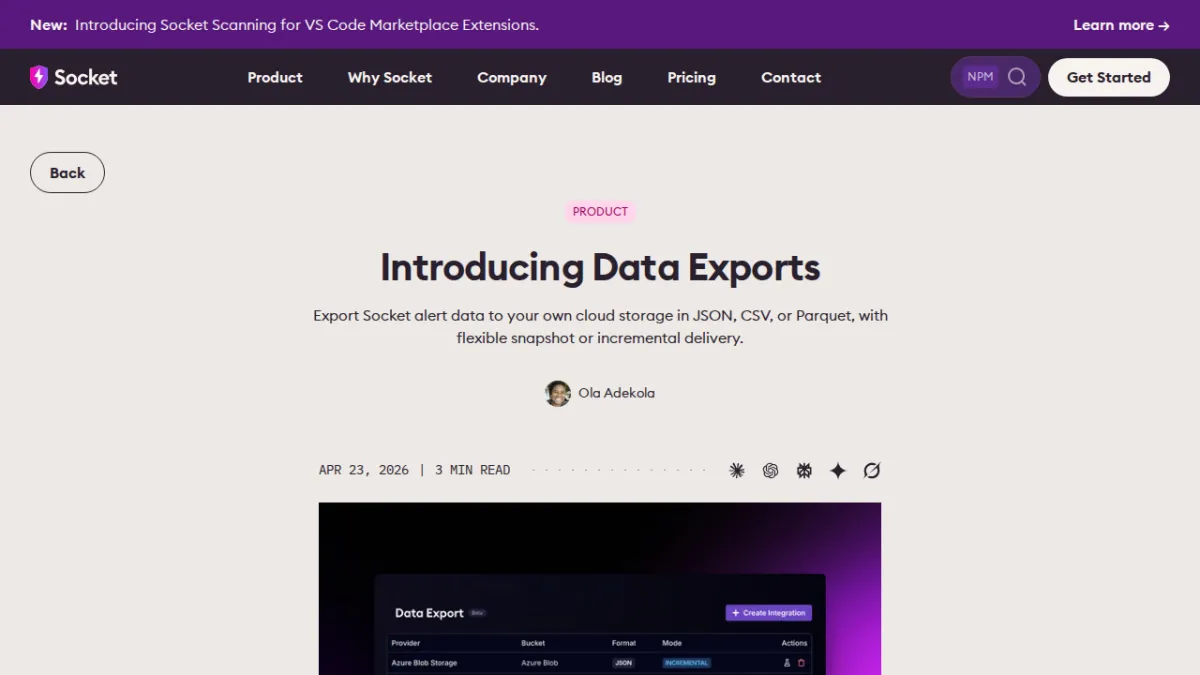 Introducing Data ExportsSocket
 Markdown export - MintlifyMintlify
 How to Make AI Videos in 2026: Step-by-Step GuideHeygen
 15 Best Colossyan Alternatives for 2026: Timed, Priced, RankedHeygen
 Observability for Notion’s Redis QueueNotion So
 How to Make a Virtual Tour for Real Estate (2026)Heygen
 DuckDB Wasm : What Happens When You Put a Database in Your Browser?Motherduck
 Transcribe Video to TextElevenlabs
How We Export Metrics to Third-Party Services - NeonNeon
Transcribe Video to TextElevenlabs
How We Export Metrics to Third-Party Services - NeonNeon
 Relay.app is shutting down: How to export your workflows and move to ZapierZapier
