
Create video highlight clips with Instant Highlights in HeyGen
Learn how to use Instant Highlights in HeyGen to turn long videos into short, engaging clips using AI, set clip preferences, and share highlights fast.
 Create videos using Video Agent in HeyGenHeygen
Create videos in bulk with batch mode in HeyGenHeygen
Platform overviewHeygen
How to Use Voice MirroringHeygen
Free Tribute Video Maker: Create a Tribute Video OnlineHeygen
AI Intro Maker: Create Branded Video Intros in MinutesHeygen
Create videos using Video Agent in HeyGenHeygen
Create videos in bulk with batch mode in HeyGenHeygen
Platform overviewHeygen
How to Use Voice MirroringHeygen
Free Tribute Video Maker: Create a Tribute Video OnlineHeygen
AI Intro Maker: Create Branded Video Intros in MinutesHeygen
 Create assistant message - MintlifyMintlify
 Video: Building a Live Transcription Badge With Deepgram - Deepgram Blog ⚡️Deepgram
 Calling Your Video Game With Your Phone: Part 1Deepgram
 Build a Presentation Coaching Application with Recall - Deepgram Blog ⚡️Deepgram
 Meet Zapier Central's Chrome extensionZapier
 The Best Video Editing Software in 2026 (Including Free Options)Zapier
 Supporting Kubernetes with Faster, Easier Test EnvironmentsPulumi
 4 Ways to Animate the Color of a Text Link on HoverCss Tricks
 15 Best Submagic Alternatives & Competitors 2026Heygen
 A prompt guide to get the most out of HeyGen's new Video AgentHeygen
 How to Create a Spokesperson on AI Video GeneratorHeygen
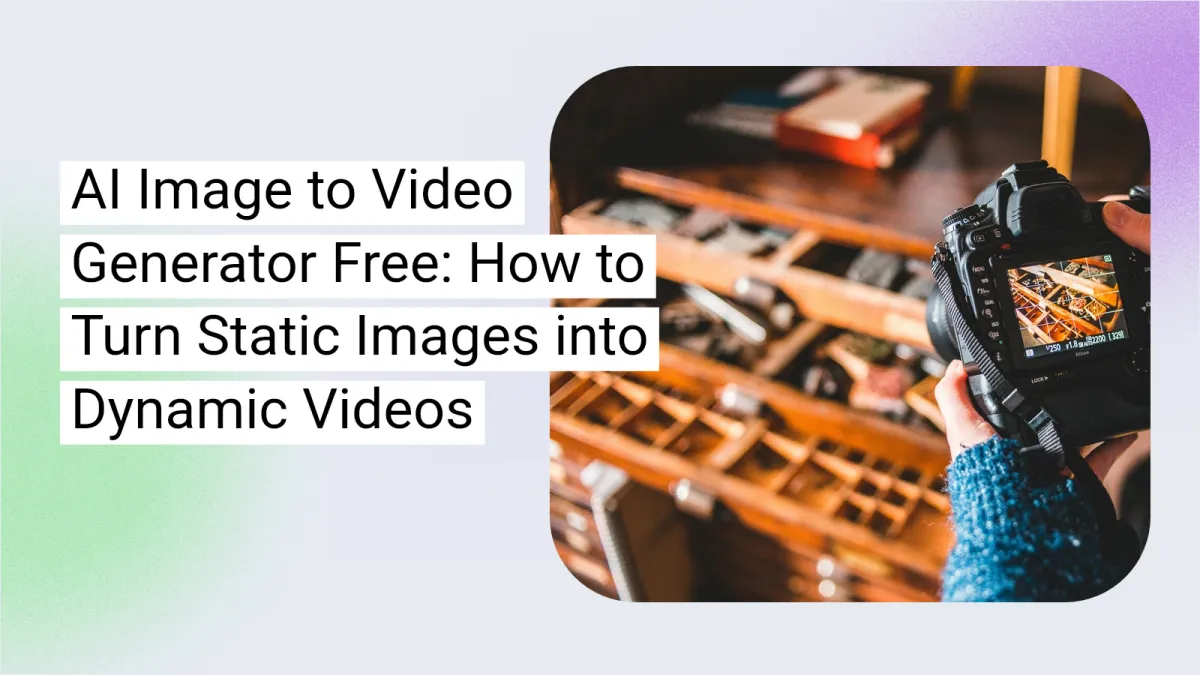 How to Use AI Image to Video Generator for Free to Create Dynamic VideosHeygen
 AI's Role in Video Marketing, Cost EfficiencyHeygen
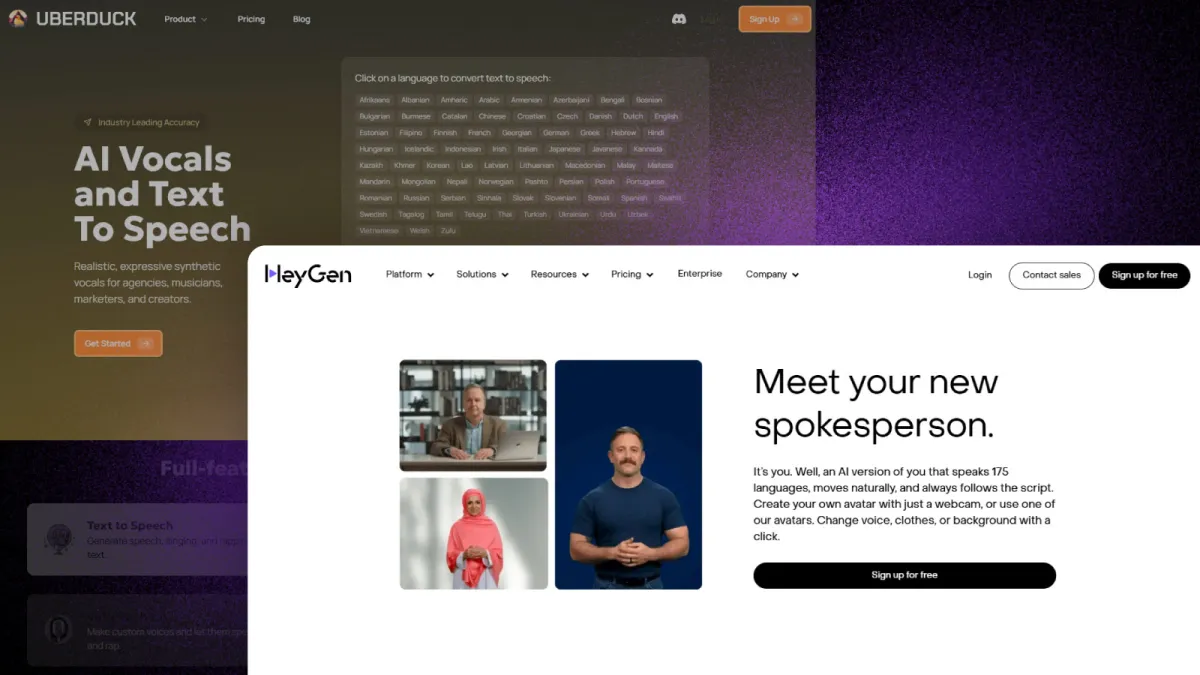 12 Best Uberduck Alternatives for AI Text-to-Speech GenerationHeygen
