
How to add assets to your video
Learn how to upload, organise, and add images, videos, audio, text, and captions to your HeyGen AI Studio video projects.
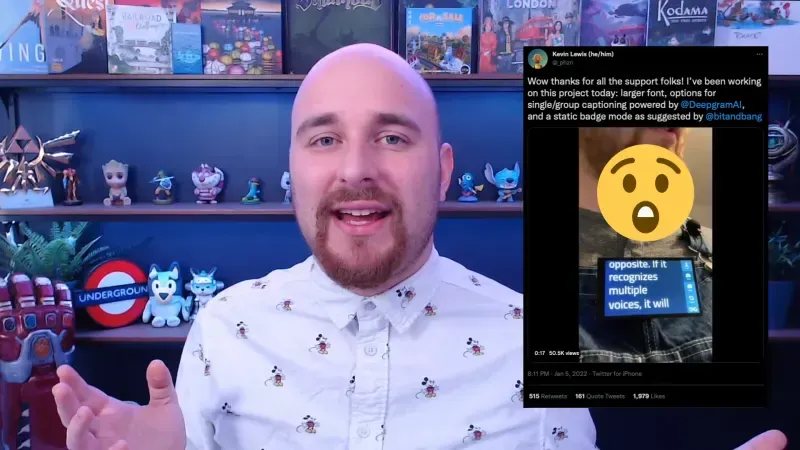 Video: Building a Live Transcription Badge With Deepgram - Deepgram Blog ⚡️Deepgram
 Calling Your Video Game With Your Phone: Part 1Deepgram
 Build a Presentation Coaching Application with Recall - Deepgram Blog ⚡️Deepgram
 6 ways to use the Zapier Zoho CRM integrationZapier
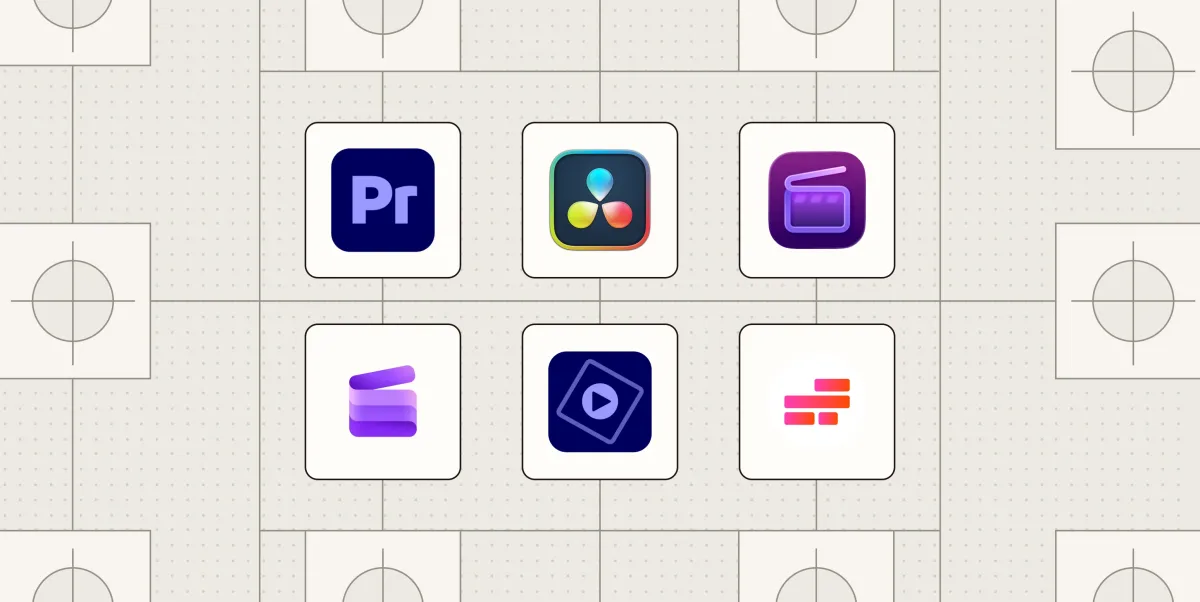 The Best Video Editing Software in 2026 (Including Free Options)Zapier
 A Proposal for Adding Generics to Go - The Go Programming LanguageGo
 Docker Desktop 4.18: Docker Scout Updates, Container File Explorer GADocker
 15 Best Submagic Alternatives & Competitors 2026Heygen
 A prompt guide to get the most out of HeyGen's new Video AgentHeygen
 How to Create a Spokesperson on AI Video GeneratorHeygen
 How to Use AI Image to Video Generator for Free to Create Dynamic VideosHeygen
 AI's Role in Video Marketing, Cost EfficiencyHeygen
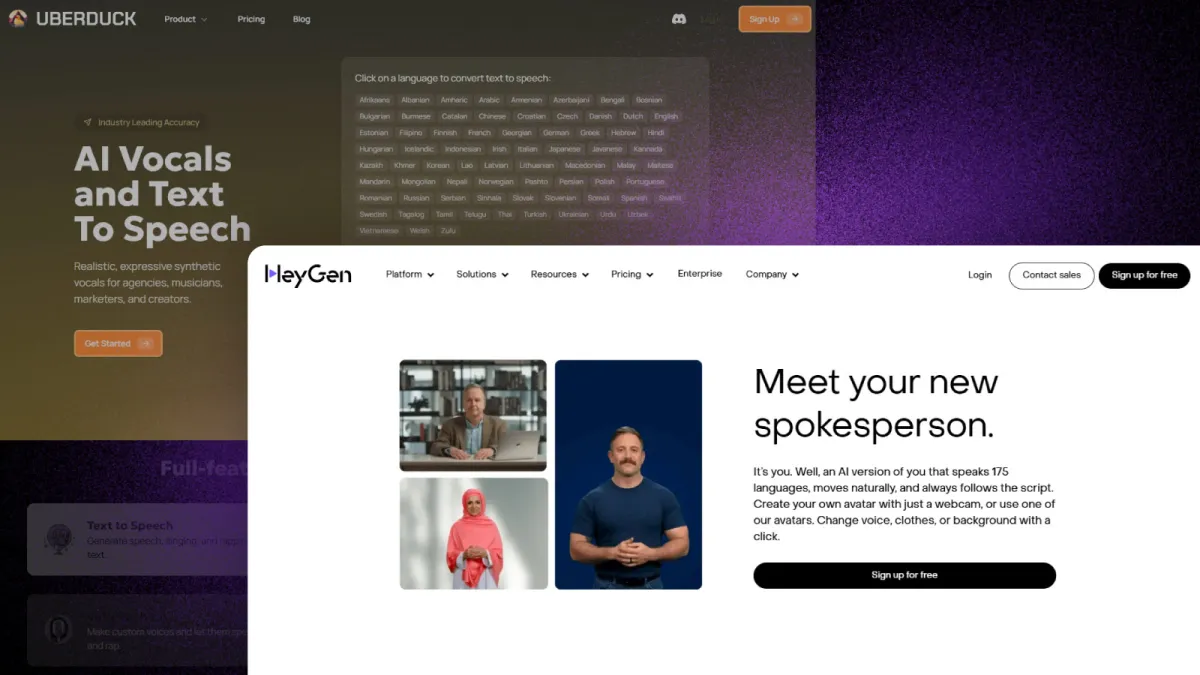 12 Best Uberduck Alternatives for AI Text-to-Speech GenerationHeygen
LinkedIn Ad Personalization InnovationHeygen
12 Best Uberduck Alternatives for AI Text-to-Speech GenerationHeygen
LinkedIn Ad Personalization InnovationHeygen
