
How to create a new voice in HeyGen guide
Learn how to create a new voice in HeyGen by uploading a recording, refining it with Voice Doctor, or generating voices using Voice Design in AI Studio.
 Cloud Security Trends & Challenges: Complete GuideCybersecurity Exchange
 A Guide to Extended Threat Detection and Response: What It Is and How to Choose the Best SolutionsCybersecurity Exchange
 Digital Forensics & Emerging Technologies GuideCybersecurity Exchange
 Create assistant message - MintlifyMintlify
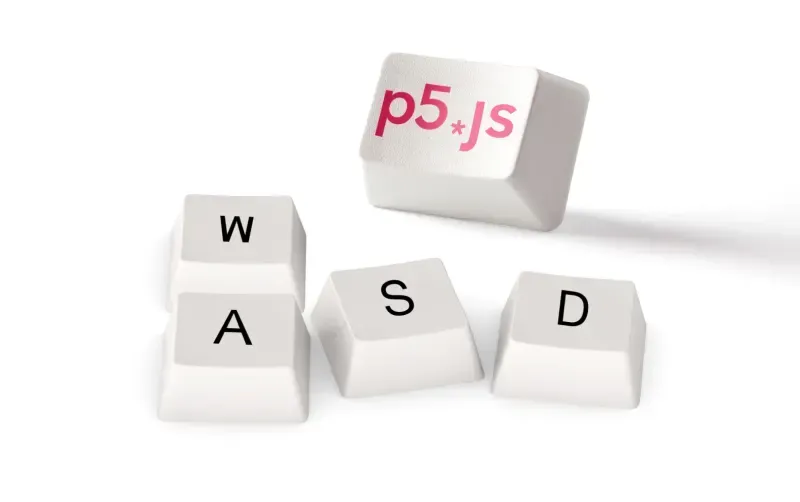 Playing With P5.js: Creating a Voice-Controlled Game - Deepgram Blog ⚡️Deepgram
 The Language of LGBTQ Inclusion and Allyship - Deepgram Blog ⚡️Deepgram
 The Best (and Worst?) of Voice AI TechnologyDeepgram
 No Code Transcription: Simplifying Workflows with Deepgram and Make.comDeepgram
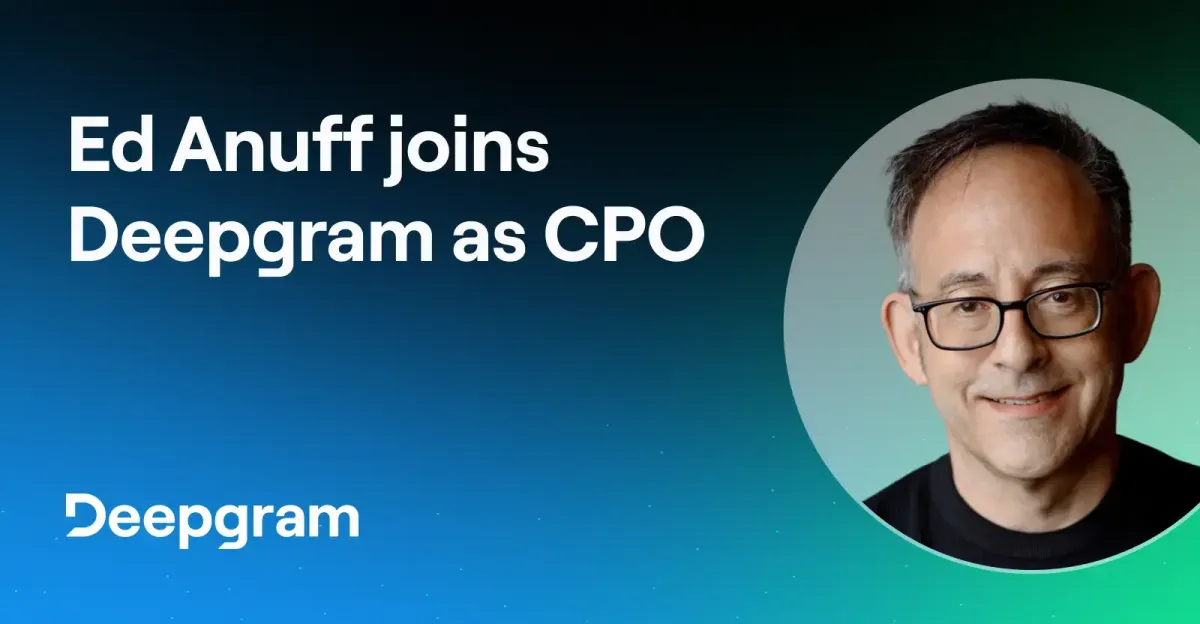 Q&A with Deepgram’s New CPO, Ed AnuffDeepgram
 How to implement AI training for employeesZapier
 Meet Zapier Central's Chrome extensionZapier
 Supporting Kubernetes with Faster, Easier Test EnvironmentsPulumi
 4 Ways to Animate the Color of a Text Link on HoverCss Tricks
 How AI Assistants Can Decode GitHub Repos for UI WritersDocker
